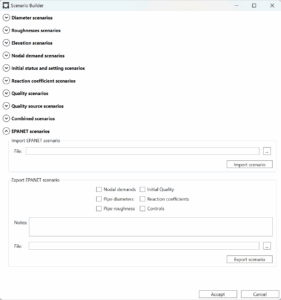
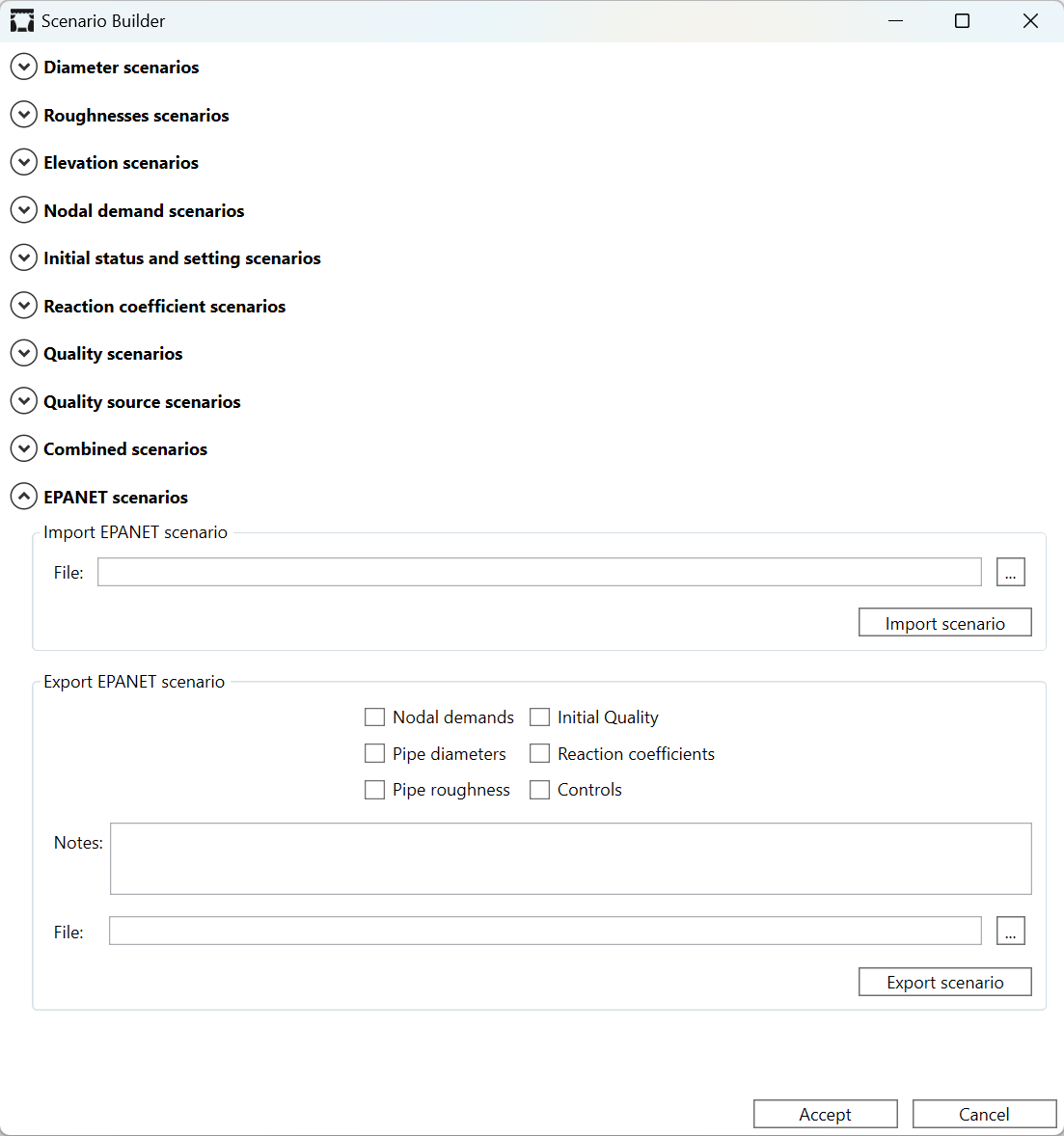
EPANET includes an option to export and import scenarios, although it has been little used by users. Specifically, it allows exporting pipe diameters and roughness, node demands, initial quality, reaction coefficients, and control rules into different text files, which can later be edited and reimported. Multiple scenarios can also be combined into a single text file.
The QGISRed Scenario Manager also allows bulk modification of a given model parameter: diameters for design tasks, roughness or elevations for calibration tasks, demands for planning tasks, reaction coefficients and initial quality for water quality modeling, etc. These scenarios can also be combined in many ways by overlaying data stored in different scenario files.
However, the format used by QGISRed to store scenario data differs from that used by EPANET, in order to increase versatility and the number of options available when combining different scenarios.
Although a different approach was initially followed to configure scenarios, in the new version of QGISRed scenarios can also be exported and imported using the same formats as EPANET, thus ensuring full compatibility between EPANET and QGISRed. This also adds the option to export scenarios that include control rules, which was not initially contemplated in the QGISRed Scenario Manager, as it did not adapt to the syntax and was already handled by the Control Rules Editor.
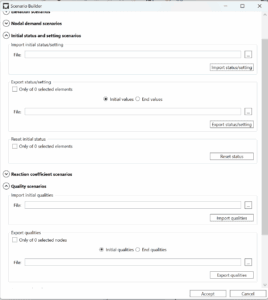
In addition to this improvement, the new version of the Scenario Manager also includes the possibility of resetting the current values for diameters, roughness, and elevations, in order to configure new scenarios from scratch by overlaying other existing scenarios.
A future tutorial will explain how to manage EPANET scenarios from QGISRed and how to combine them with native QGISRed scenarios, thereby expanding the available configuration options.